
Have questions?
Connect with us to get free customization advice, product recommendations or customer service help.
Contact us now2-in-1 HDMI Switch & eARC Audio Extractor, 2 in 1 Out, eARC Audio Extractor, 4K 60Hz, HDCP 2.3, 7.1CH, Optical Spdif, Coaxial, 3.5mm, HDMI Out, USB-C Charging Port.
$ 22.17
-
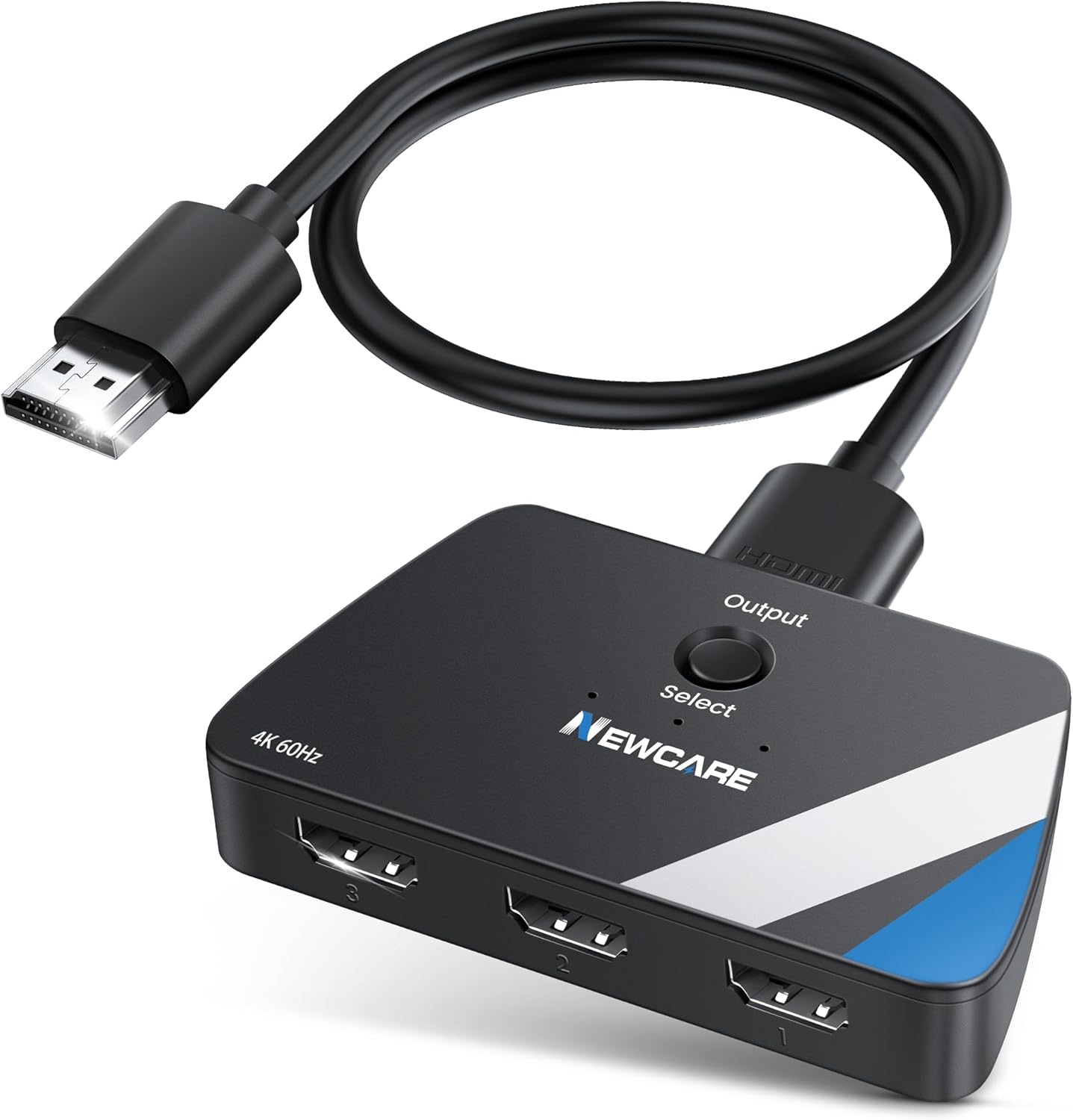
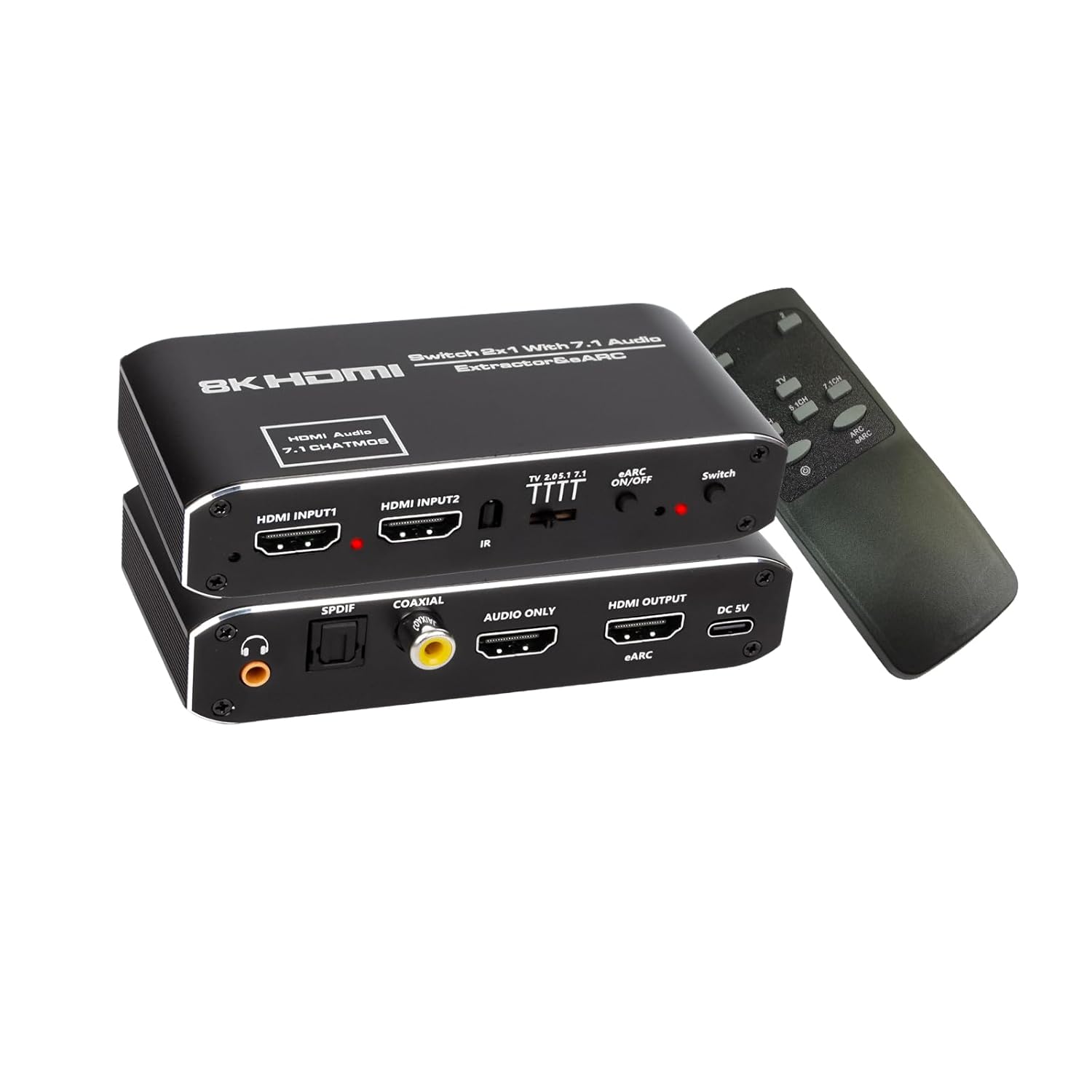
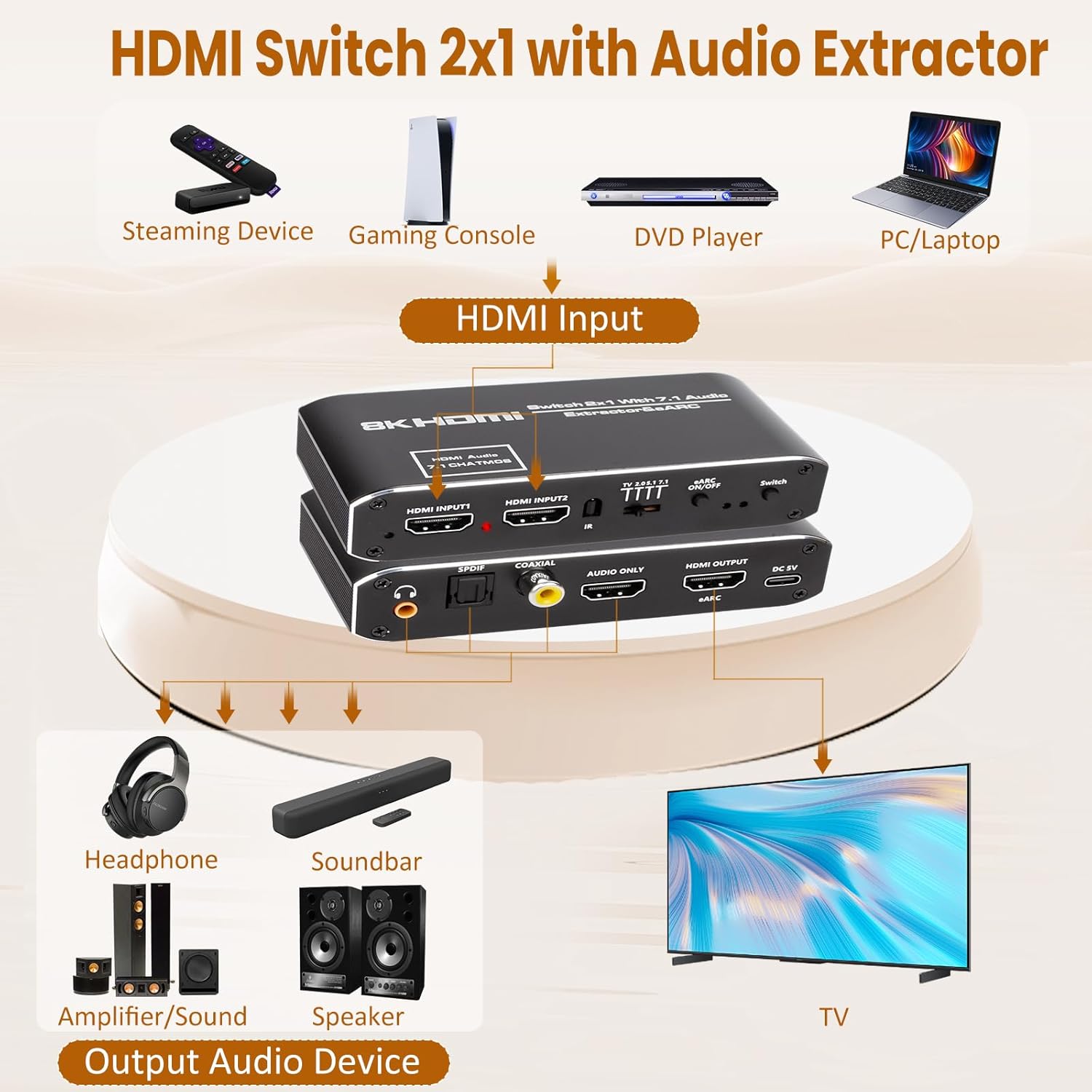
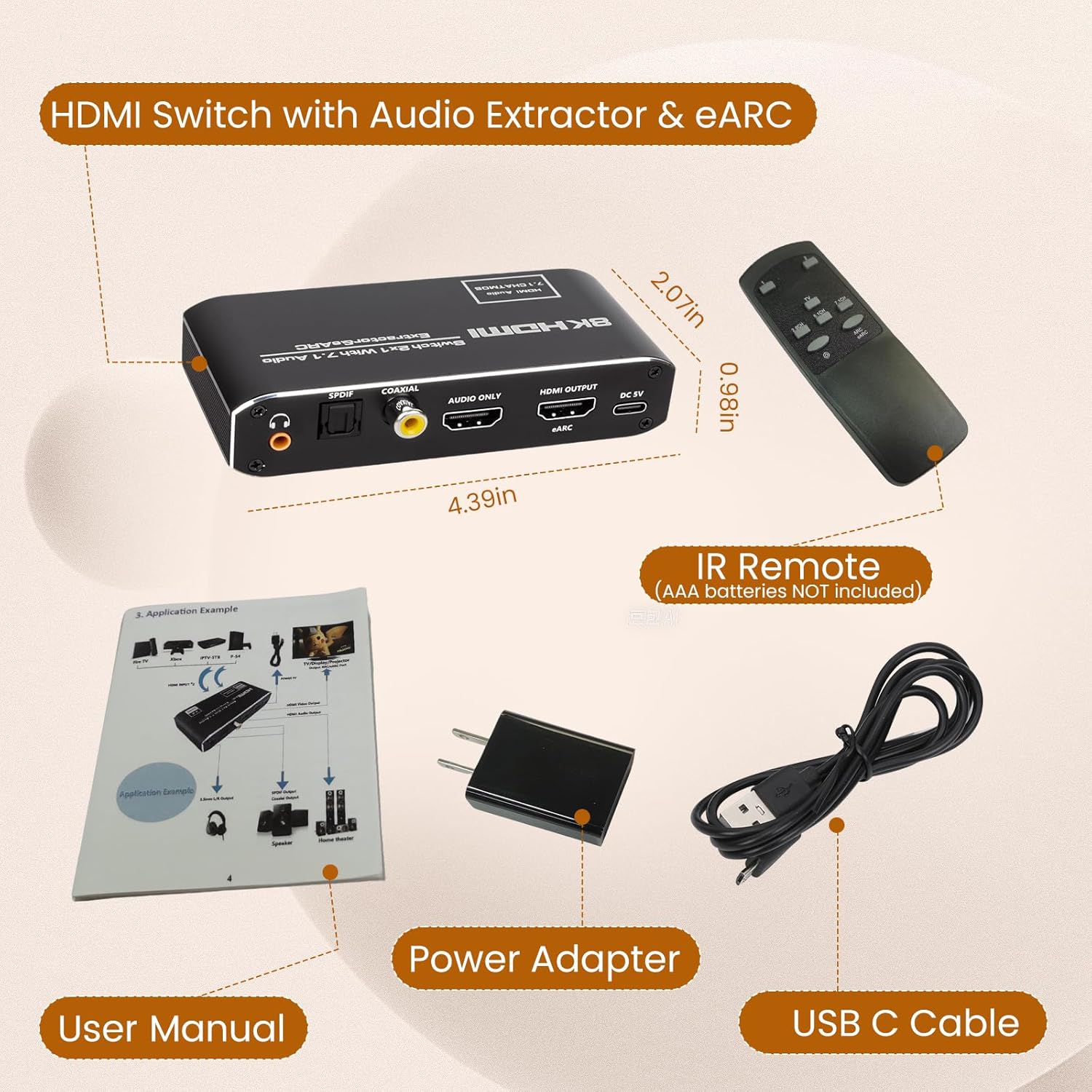
About this item Buy one get 3 functions: 1) HDMI Switch 2 in 1 out 4K 60Hz; 2) HDMI Audio Extractor; 3) HDMI eARC Audio Extractor. HDMI Switch 2 in 1 out Effortlessly switch between two HDMI input devices to one HDMI output. Enjoy seamless switching and high-quality video transmission for home theater, gaming, or presentations. Video resolution: up to 4K60Hz(RGB 8:8:8), 4K120Hz(YUV 4:2:0), 8K30Hz(YUV 4:2:0). HDMI Audio Extractor Extract audio from HDMI sources to multiple outputs: Optical SPDIF, Coaxial, 3.5mm jack, or HDMI audio out. Perfect for connecting to soundbars, a/v recevivers, amplifiers, speakers, or headphones. eARC Audio Extraction Supports advanced eARC audio for high-quality, uncompressed 7.1-channel sound. Extract eARC signals to digital or analog audio systems for an immersive audio experience.(Does NOT Support CEC function!) Audio EDID Settings (4 Options) Choose TV, 2.0CH, 5.1CH, or 7.1CH modes. 1)In TV Mode, HDMI adapts to the TV’s EDID, with 2.0CH on the 3.5mm jack and 5.1CH on Optical SPDIF. 2)In 2.0CH Mode, both 3.5mm and SPDIF output 2.0CH PCM audio. 3)5.1CH Mode provides 5.1CH via SPDIF (disconnect 3.5mm to avoid noise). 4)7.1CH Mode supports LPCM 7.1CH via HDMI audio, with SPDIF and 3.5mm disabled. HDMI Audio Formats PCM 2.0, LPCM 5.1/7.1, Dolby Digital, Dolby Digital plus, Dolby True HD, Dolby Atmos, DTS 5.1, DTS ES6.1, DTS HRA, DTS HD Master, DtS: X. TV Settings for ARC/eARC mode 1) Ensure your TV has an HDMI port labeled “ARC”; 3) Go to the TV menu settings, turn on CEC, then set the audio output to HDMI (ARC), and finally set the audio output format to PCM, LPCM, or Source for optimal performance.